Whisper Dictation in Any App: Dictate System-Wide, Right at Your Cursor
Dictate system-wide with Whisper, right at your cursor, in any app on Mac & Windows. How push-to-talk, toggle, and local speech recognition work together.
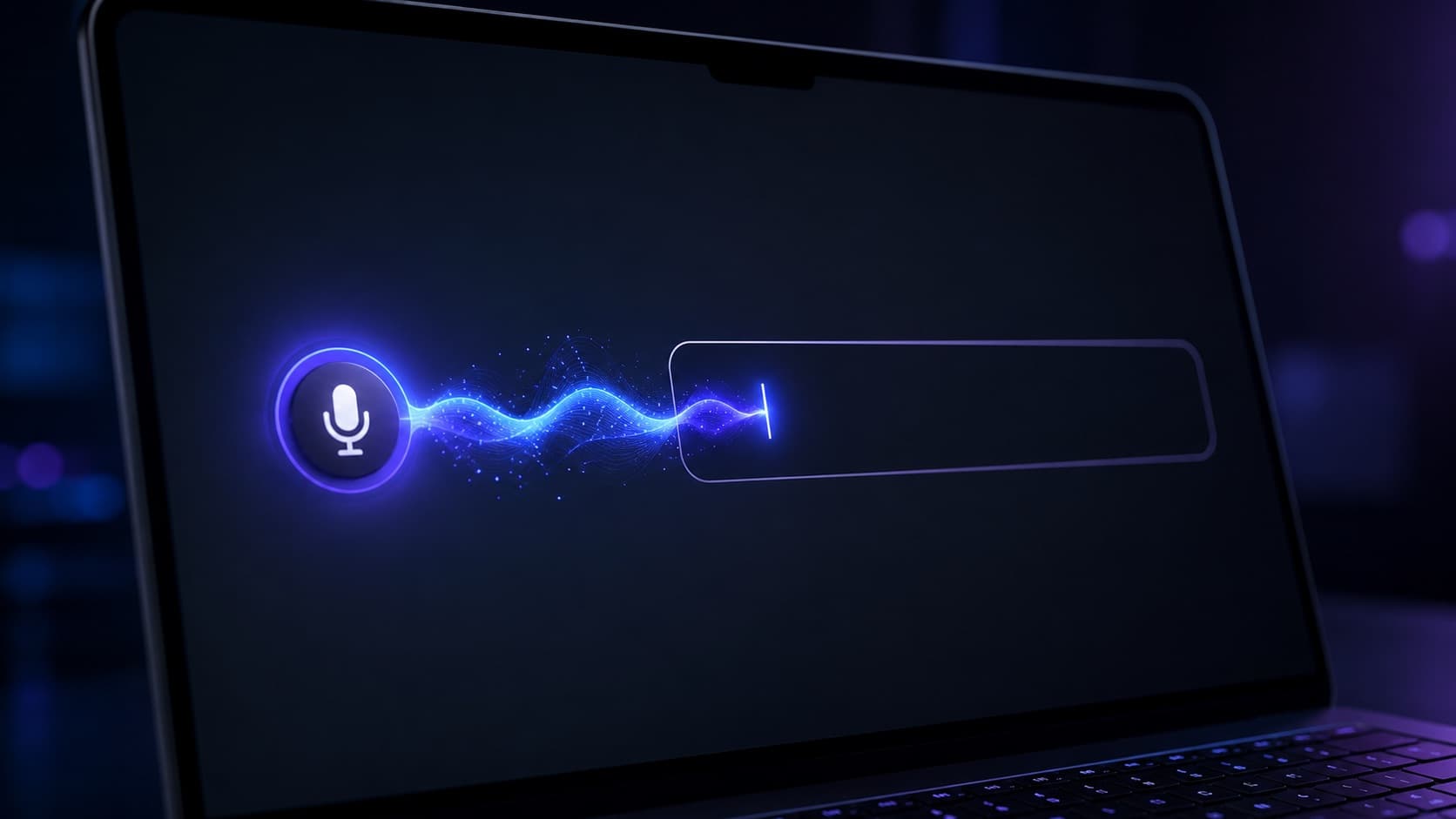
You know the routine: you want to dictate a quick reply in Slack, a prompt in ChatGPT, a comment in your code editor. So you first open the dictation app, speak into a separate window, copy the text, switch back, paste. Three context switches for one sentence. That is exactly where the speed advantage voice is supposed to deliver quietly dies. And voice really is the faster channel: in a Stanford study, test subjects dictated around 150 words per minute, almost three times as fast as typing on a smartphone keyboard (Stanford News). On a desktop the gap is smaller, but spoken text almost always beats typed text on speed.
The fix sounds unremarkable, yet it changes everything: dictate directly where the cursor is blinking, in any app, with no detour and no separate window. You press a key, speak, release, and the text appears in the field you are already working in. No clipboard, no app switch. Best of all, with modern local models like OpenAI Whisper the recognition runs right on your own machine.
In this article we show you what system-wide Whisper dictation actually means, why "at the cursor" is the real gamechanger, how the technology behind it works, and what to watch for so it runs smoothly in everyday use.
What "Dictate in Any App" Actually Means
Most dictation tools are app-bound. Word's dictation only works in Word. Voice typing in Google Docs only works in the browser tab. Even the built-in tools in macOS and Windows are designed primarily for short commands and quickly produce unusable results in specialized apps.
System-wide dictation is the opposite: the software hooks in at the operating-system level and is available at any time through a global shortcut, no matter which program is in the foreground. The recognized text is then inserted at exactly the spot where your text cursor sits. Whether that is a browser input field, the editor in your IDE, the subject line of an email, or a chat window: to the dictation tool it is all the same text-input target.
The difference sounds small, but in daily use it is enormous. You stop "dictating into an app". You simply dictate everywhere.
Why "At the Cursor" Is the Decisive Difference
Imagine having to find a particular window for every spoken note, click into it, and then manually move the text to where it belongs. That hidden friction is exactly what burdens so many tools, and it disappears the moment the text lands right at the cursor.
The effect is mostly psychological: your thought and its written form happen in the same place. You stay in the flow of the app you are already working in. There is no mental "handover point" where you drop out of writing. Anyone who spends the day switching between ChatGPT, Mail, and an editor does not just save seconds per dictation; they preserve the focus that every context switch otherwise nibbles away.
In short: "in any app" is the technical prerequisite. "At the cursor" is the real comfort.
How System-Wide Whisper Dictation Works
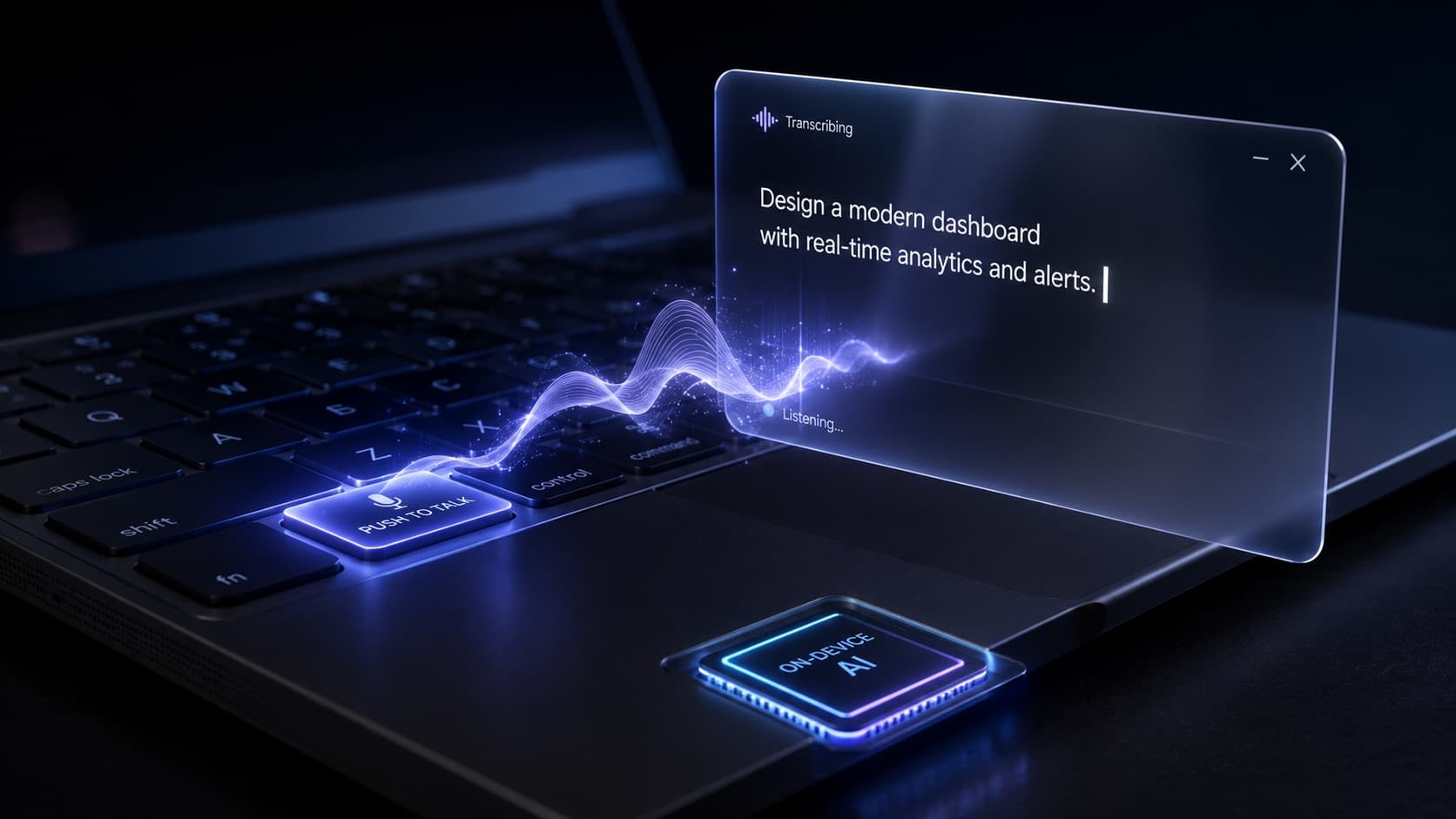 Illustrative image, AI-generated
For this to work, three building blocks mesh together.
First, a global hotkey. The app registers a key combination with the operating system that responds independently of the active program. Press it and recording starts, without ever switching to the dictation app.
Second, local speech recognition. Your microphone audio is handed to a Whisper model (or a comparably strong architecture) that computes directly on your device. On Apple Silicon the Neural Engine takes over; on Windows a GPU or NPU does the work. Because nothing travels to a server, the round trip to the internet is eliminated, and the recognition feels like typing, only faster.
Whisper itself is open source under the MIT License, was trained on 680,000 hours of audio according to the OpenAI paper, and supports 99 languages, including English. The model comes in six sizes (from Tiny at 39M to Large at 1.55B parameters), so you can weigh speed against accuracy: a smaller model for maximum speed, a larger one for maximum precision.
Third, insertion at the cursor. The finished text is written into the currently focused field through the system's input or accessibility interface, exactly as if you had typed it. That is precisely why a good solution needs the Accessibility permission on macOS and clean input access on Windows.
Push-to-Talk or Toggle? Both Have Their Moment
There are two proven modes for starting a recording, and good software offers both.
Push-to-talk means: hold the key, speak, release. Done. It is ideal for short, quick interjections: a prompt, a chat reply, a search term. You keep full control over start and end and barely produce accidental recordings.
Toggle means: press once to start, press once to stop. It is the better choice for longer passages such as a paragraph, a whole email, or a journal entry, where you do not want to hold the key down for minutes.
The rule of thumb: push-to-talk for the quick sentence in between, toggle for anything that runs longer than two or three sentences.
Where the Leverage Is Greatest
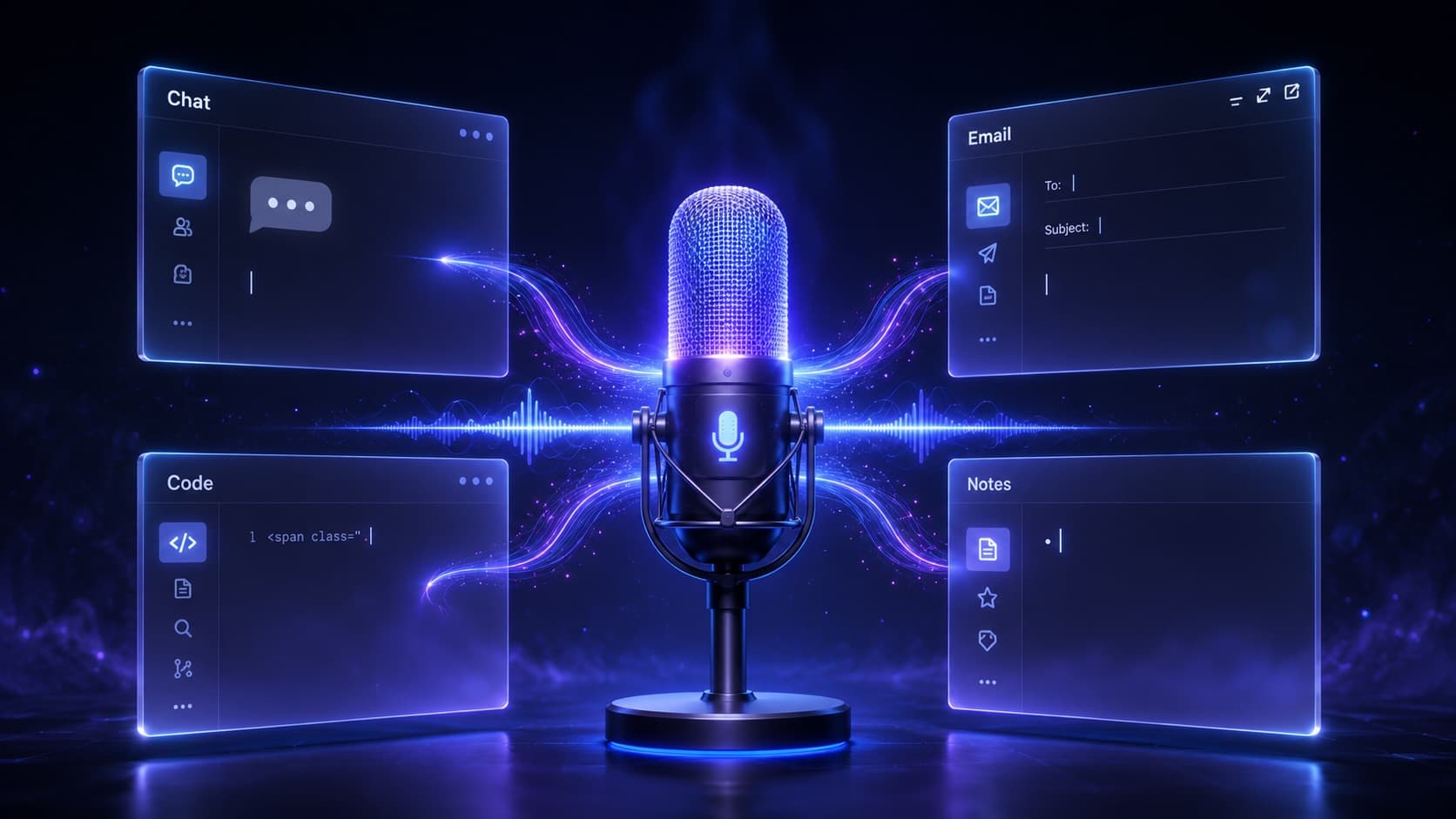 Illustrative image, AI-generated
System-wide dictation pays off everywhere, but in a few places especially. With AI tools like ChatGPT, Claude, Copilot, or Cursor, prompts form at speaking speed instead of typing speed: the AI answers in seconds, and you speak the follow-up right away. Email and messaging (Outlook, Mail, Slack, Teams) hold the bulk of daily writing work; this is where the saved minutes add up fastest. Our voice to email software guide compares the different ways to add voice to that workflow. In notes and docs like Notion, Obsidian, or Google Docs you simply speak first drafts and tidy up afterward.
It also pays off in the code editor and IDE, everywhere prose rather than syntax is called for: commit messages, PR descriptions, code comments, and docs. And even in plain browser fields like search boxes, forms, CMS inputs, or support tickets you dictate instead of type.
The common denominator: you do not have to learn a separate dictation feature for any of these apps. One shortcut, everywhere.
What Really Matters in System-Wide Dictation
In theory this is simple. What separates an everyday-capable solution from a frustrating one comes down to a few details.
Clean focus handling. The text has to land reliably in the field that is currently active, even if you briefly move the mouse in the meantime. Poor implementations lose focus and insert into the void.
Low latency. "Speak and the text is there" only works if the model runs locally in real time. On current hardware (Apple Silicon, a Windows laptop with a GPU/NPU) that is the standard; look for a native build rather than a sluggish workaround.
Custom vocabulary. For technical terms, product names, and abbreviations, a good solution lets you maintain a custom vocabulary so that "Ownvox" is not recognized as "own box".
Languages and auto-detection. Anyone who dictates alternately in English and German does not want to keep switching. Look for broad language support and automatic language detection per dictation.
Permissions instead of data leakage. System-wide insertion needs system permissions. That is normal. What matters is that recognition still stays local and no audio data travels to the cloud. You can read more about the privacy benefits of local processing in our guide to offline dictation software for Mac & Windows.
Mac vs. Windows: Permissions & Integration
For insertion at the cursor to work, the systems behave a little differently.
On the Mac you need two grants: access to the microphone and to Accessibility, through which the text is written into other apps. A trustworthy app is signed and notarized and ideally runs as an unobtrusive menu-bar app in the background. Apple Silicon (M1 through M5) makes the local Whisper recognition especially efficient and easy on the battery.
On Windows the app typically sits in the system tray and uses GPU or NPU acceleration (CUDA, DirectML, OpenVINO) for real-time recognition. What matters is a clean, signed installer and reliable microphone handling across headsets, conference mics, and Bluetooth devices. Current Windows 11 compatibility, including ARM devices like Snapdragon X, is the benchmark. Our overview of dictation software for Windows walks through these criteria in detail.
Frequently Asked Questions About System-Wide Dictation
Does it really work in every app?
In every app with a normal text input field: yes. Browsers, email clients, chat tools, editors, office programs. Fields that technically seal off input (such as some password fields) are the rare exception.
Do I need the internet for it?
No. After a one-time installation and model download, Whisper recognition runs entirely locally. You can dictate in airplane mode too.
Push-to-talk or toggle: which is better?
Both have their place: push-to-talk for short interjections, toggle for longer passages. A good solution offers you both modes.
How does the text get to the right spot?
Through the operating system's input or accessibility interface, the recognized text is written into the currently focused field, exactly where your cursor is.
What permissions are required?
Microphone access and (for insertion into other apps) Accessibility on macOS or the corresponding input access on Windows. Speech recognition itself stays local.
Does accuracy suffer compared to cloud services?
Hardly anymore. According to the official model card, Whisper large-v3 reaches around 2% word error rate on the English LibriSpeech Clean benchmark, and the Open ASR Leaderboard puts German at about 4.3%, a level that can keep up with commercial cloud services.
Conclusion: One Shortcut That Works Everywhere
The leap from "dictating into an app" to "dictating everywhere at the cursor" is the moment voice truly becomes a natural input method. No separate window, no clipboard, no context switch: just a hotkey, your microphone, and a local model that writes along in real time.
If you switch between many programs all day and notice the keyboard slowing you down, system-wide Whisper dictation is probably the tool you have been looking for without being able to name it.
Ownvox: System-Wide Whisper Dictation for Mac & Windows
Ownvox was built for exactly this: you press your shortcut, speak, and the text appears right at the cursor, in any app, whether ChatGPT, Mail, Slack, or a code editor. Push-to-talk and toggle are both on board, Whisper recognition runs natively on Apple Silicon and Windows, and several dozen languages are detected automatically. By default, everything stays local on your device.
If you want to dictate system-wide and finally put voice to work right where you already are, Ownvox is the most direct path there.
Sources and Further Reading
The key facts in this article are based on the following sources. The speed figures come from the study Speech Is 3x Faster than Typing for English and Mandarin Text Entry on Mobile Devices by Ruan, Wobbrock, Liou, Ng, and Landay (Stanford University, 2016), summarized in Stanford News; the typing speed measured there refers to a smartphone keyboard. The Whisper details (MIT License, 680,000 training hours, 99 languages, and six model sizes) come from the Whisper repository on GitHub and the Whisper paper by OpenAI. The word error rates are based on the official model card for whisper-large-v3 and the Open ASR Leaderboard.
Last updated: May 29, 2026 · Author: Ownvox Team