Ownvox vs Wispr Flow: the local, offline alternative (2026)
Does Wispr Flow run locally or work offline? No. This honest comparison covers Ownvox vs Wispr Flow on privacy, GDPR, features, platforms, and price.
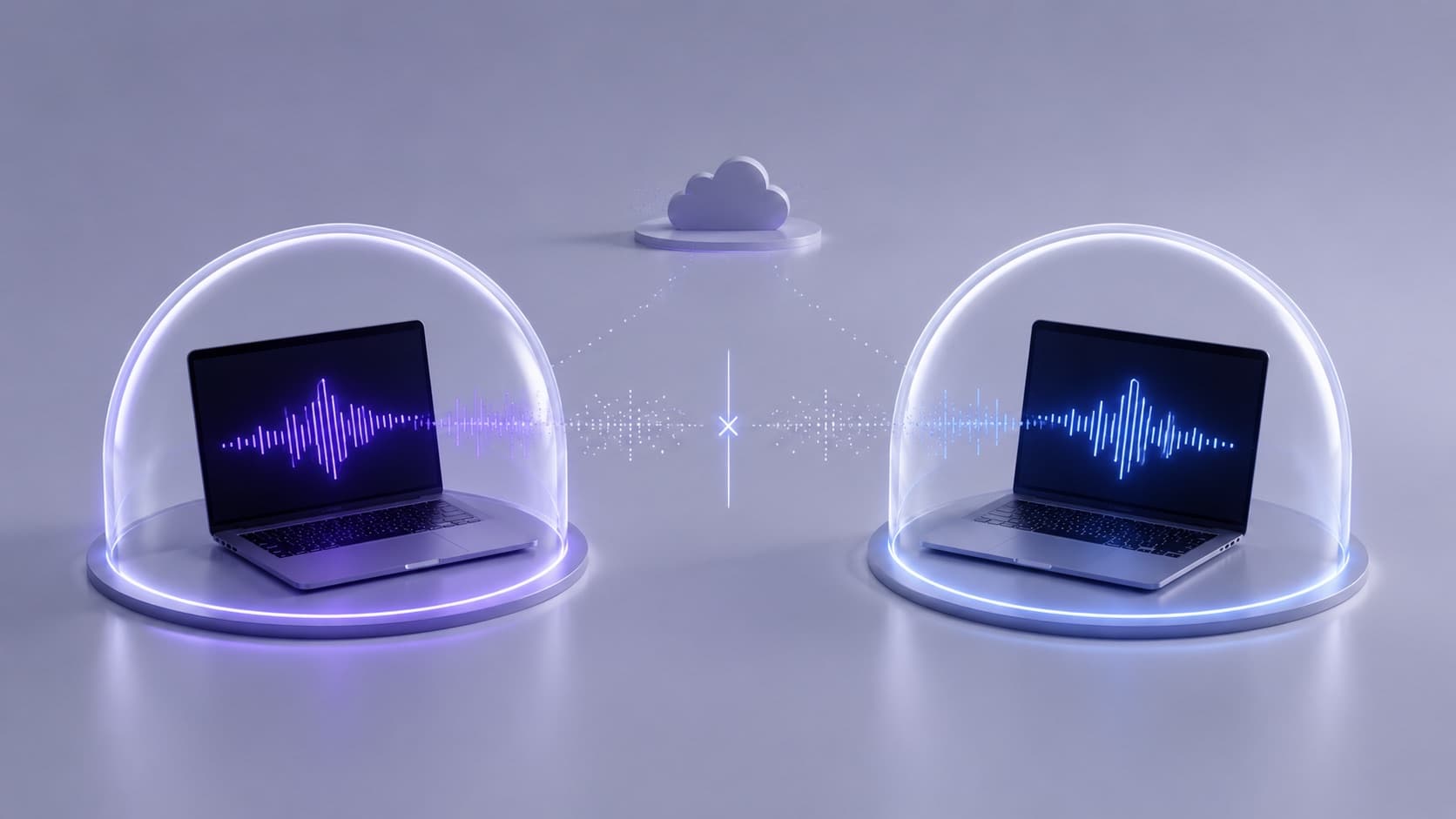
If you have looked at AI dictation in 2026, Wispr Flow is hard to miss. It is fast, polished, multi-platform, and a lot of people swear by it. So when someone searches for a "Wispr Flow alternative," it usually is not because Wispr is bad. It comes down to one question: are you comfortable with your voice being sent to the cloud every time you speak?
We make Ownvox, so read this as a comparison with a known bias that still tries to be fair, and that says plainly where Wispr Flow is the better pick.
The short version: both apps turn speech into clean, formatted text system-wide, in almost any app. The real difference is architecture. Wispr Flow transcribes in the cloud and needs an internet connection to work at all. Ownvox transcribes locally on your own device by default and works fully offline; optional cloud AI features use an EU-hosted processing path only when you enable them. If keeping dictation audio on your own device is your priority, that architectural difference matters.
One note up front: this reflects public information as of August 2026, and prices and defaults change, so check both sites before you decide.
What Ownvox and Wispr Flow Have in Common
It is worth starting with the overlap, because both are genuinely good at the core job. Both give you system-wide dictation: press a hotkey, speak into any text field, and formatted text appears at your cursor. Both go beyond raw transcription, trimming filler words and shaping punctuation so the result reads like writing rather than a transcript. Both support a custom dictionary and snippets, and both handle many languages. If your only requirement is fast, accurate dictation and you do not mind where it runs, Wispr Flow is a strong tool. The differences that matter are about where your voice goes.
The Core Difference: the Cloud Versus Your Own Device
This is the heart of it. Wispr Flow transcribes in the cloud, every time. Its own privacy page puts it plainly: transcription always occurs in the cloud. Wispr Flow does not run transcription locally, and it needs an internet connection to transcribe at all, so there is no true offline mode. Your speech travels to Wispr's servers, becomes text, and comes back.
Ownvox works the other way around. It transcribes locally, on your own device, using modern Whisper and Parakeet models. A normal day of dictation never touches the internet, and it keeps working on a plane or behind a strict firewall. Cloud is optional, not the default.
To be fair to Wispr, cloud does not have to mean careless. Wispr now splits this across two settings: Privacy Mode keeps your dictation out of model training, and turning Private Cloud Sync off stops your transcription data being stored on Wispr's servers. Set Privacy Mode on and Private Cloud Sync off and you get zero data retention: nothing stored, nothing used to train models. That combination is worth having. But zero retention in the cloud is still the cloud: your audio travels to Wispr's servers before it is deleted. With Ownvox in local mode, the audio never leaves your device in the first place. That is a different kind of guarantee.
Where Your Data Lives, and the GDPR
For anyone handling confidential material, the next question is where the processing physically happens. Wispr's current security documentation says that customer data is processed and stored in the United States and that it does not offer a European processing region. Wispr provides a Data Processing Agreement incorporating Standard Contractual Clauses for EU transfers, lists subprocessors in its DPA and Trust Center, and documents encryption and independent security audits. That is a materially different setup from an EU-only processing path, but US processing is not by itself the same thing as non-compliance with the GDPR.
Ownvox keeps the optional cloud processing described here inside Europe: the proxy runs at Hetzner in Germany and inference runs at Scaleway in France. That path is configured for Zero Data Retention, and a Data Processing Agreement is available on request. The company is based in Germany. For local transcription, dictation audio stays on the device; when optional Ownvox cloud AI features are enabled, the associated processing follows this EU path. This can simplify the transfer assessment, but it does not replace the customer's own legal-basis, transparency, security, and documentation obligations under the GDPR. Our guide to GDPR-compliant dictation software goes deeper on why that matters. If you are weighing Wispr against other private options, our Ownvox vs Superwhisper comparison covers a second offline alternative.
Privacy Defaults and Control
Defaults are what most people end up living with. Ownvox stays local by default and gives you a single privacy switch that disables its optional cloud features. Wispr Flow has no local transcription mode, but it does provide separate controls for model improvement and cloud storage. According to Wispr's current documentation, Privacy Mode is off by default for trial and standard accounts. Achieving Wispr's Zero Data Retention configuration requires Privacy Mode on and Cloud Sync off. On Ownvox, local transcription is the starting point; on Wispr, transcription remains cloud-based even when retention and model training are disabled.
Features and Workflow
Day to day, both are pleasant to use. Wispr Flow leans into a connected experience: Command Mode for spoken edits on Pro, support for more than 100 languages, and a dictionary, snippets, and settings that sync across Mac, Windows, iPhone, and Android. Ownvox's own twist is Skills, reusable AI actions you trigger from a radial menu at your cursor to clean up, reformat, or rewrite selected text in place, without copy-paste or switching windows. Ownvox also lets you bring your own key and folds cloud AI and LLM usage into the subscription, so the AI features do not arrive as a separate metered bill. Neither wins outright here. It comes down to whether you value Wispr's mobile and sync story or Ownvox's local-first, EU posture.
Platforms and Hardware
Wispr Flow runs on macOS, Windows, iPhone, and Android, though not on iPad or Linux. Ownvox runs on macOS and Windows. If dictating on your phone matters, that is a genuine point for Wispr. The hardware trade is the flip side of the architecture. Because Ownvox transcribes on the device, local models are happiest on Apple Silicon or with around 16 GB of RAM. Because Wispr transcribes in the cloud, it asks little of your hardware but needs a steady internet connection, and it will not transcribe without one.
Pricing Compared
At the published list prices as of August 2026, Ownvox has the lower nominal monthly and yearly amounts. The currencies differ, and taxes or exchange rates can affect the final amount shown at checkout.
| What you get | Ownvox | Wispr Flow |
|---|---|---|
| Free access | 7-day trial on both plans | Permanent free tier (2,000 words per week on Mac or Windows), plus a 14-day Pro trial |
| Monthly | €9.99 | $15 |
| Yearly | €69.99 | $144 ($12 per month billed annually) |
| One-time lifetime | Not offered | Not offered |
| Offline, local processing | Yes, by default | No, cloud only |
| Cloud AI and LLM usage | Included in the subscription | The cloud is the product; Pro removes the word cap |
| Platforms | Mac, Windows | Mac, Windows, iPhone, Android |
| Processing region for optional cloud features | EU path: Germany and France | United States; no EU processing region advertised |
| Data Processing Agreement | Available on request | Available with Standard Contractual Clauses |
| Cross-border transfer for cloud processing | No third-country transfer within the described EU path | EU-to-US transfer documented through SCCs |
| Privacy controls | One switch disables Ownvox cloud features | Privacy Mode plus Cloud Sync; no local transcription mode |
Prices as of August 2026, so check Wispr Flow's pricing and ours for current figures. Wispr's real advantage on cost is a genuine free tier that never expires, capped at 2,000 words per week on Mac or Windows, plus a longer 14-day Pro trial. Where Ownvox answers is the paid price and what it includes: a lower monthly and yearly number, cloud AI and LLM usage in the price with no per-word cap, and local processing that does not meter at all. Neither offers a one-time lifetime license.
Which One Should You Choose
Choose Wispr Flow if you want to dictate on your phone as well as your computer, if a permanent free tier matters, if you rely on many languages with cloud-grade accuracy, and if cloud processing does not bother you. It is polished, fast, and widely liked, and for plenty of people it is the right call.
Choose Ownvox if you want dictation that runs on your own device and keeps working offline, if you prefer an EU processing path for optional cloud features, or if you want a single switch that disables those cloud features on Mac and Windows. For professional work involving personal or confidential data, keeping transcription audio on the device can reduce the number of external processing and transfer questions that need to be assessed.
Frequently Asked Questions About Ownvox and Wispr Flow
Does Wispr Flow run locally or work offline?
No. Wispr Flow does not run transcription locally. It transcribes in the cloud and needs an internet connection to work. Its own data controls page states that transcription always occurs on the cloud, so there is no offline mode. Ownvox transcribes locally and works fully offline by default.
Is Ownvox a good Wispr Flow alternative?
Yes, especially if you want local, offline dictation and EU data handling. Both produce clean, formatted text system-wide, so the decision usually comes down to where your voice is processed rather than raw dictation quality.
Does Wispr Flow send my voice to the cloud?
Yes, every time, because cloud transcription is how Flow works. With Privacy Mode on and Private Cloud Sync off it keeps nothing, but that is zero retention in the cloud, not local processing. Your audio still travels to Wispr's servers before it is discarded.
Is Ownvox cheaper than Wispr Flow?
At the published list prices as of August 2026, Ownvox lists €9.99 per month or €69.99 per year, while Wispr Pro lists $15 per month or $144 per year. Because the currencies differ, compare the final checkout amount, including applicable taxes. Wispr also offers a permanent free tier capped by words per week, while Ownvox offers a 7-day trial.
Which architecture can simplify a GDPR assessment?
Ownvox's local transcription avoids an external transfer of dictation audio for that step. Its optional cloud path uses EU infrastructure at Hetzner in Germany and Scaleway in France, is configured for Zero Data Retention, and is covered by a Data Processing Agreement on request. Wispr Flow processes in the United States and provides a DPA with Standard Contractual Clauses for those transfers. Either product still has to be assessed for the customer's specific purpose, legal basis, data categories, and configuration.
Does Wispr Flow run on iPhone and Android?
Yes. Wispr Flow has apps for Mac, Windows, iPhone, and Android. Ownvox runs on macOS and Windows for now, so if mobile dictation is essential, Wispr has the edge.
Is Wispr Flow's Privacy Mode the same as local processing?
No. With Privacy Mode on and Private Cloud Sync off, your audio is processed in the cloud and then discarded, with nothing stored or used for training. It is a strong privacy setting, but the audio still leaves your device. Local processing, as in Ownvox, means the audio never leaves your machine in the first place.
Conclusion
Ownvox and Wispr Flow are both strong at turning speech into clean text, but they start from opposite ends. Wispr Flow is a polished, multi-platform, cloud-first tool, and if mobile reach, a free tier, and cloud processing lead your list, it is a fair choice. If you want transcription audio to stay on your own device, work offline, and avoid a third-country transfer for that processing step, that is the gap Ownvox is built to fill.
Try Ownvox
Ownvox keeps transcription on your own device by default, then adds an EU cloud option, with a Data Processing Agreement, only when you choose more power. Cloud AI usage is included, every plan opens with a 7-day trial, and one switch disables the optional cloud features on Mac and Windows. If you have been looking for a local-first, offline Wispr Flow alternative with an EU option for cloud processing, download Ownvox and try it on something real.